-
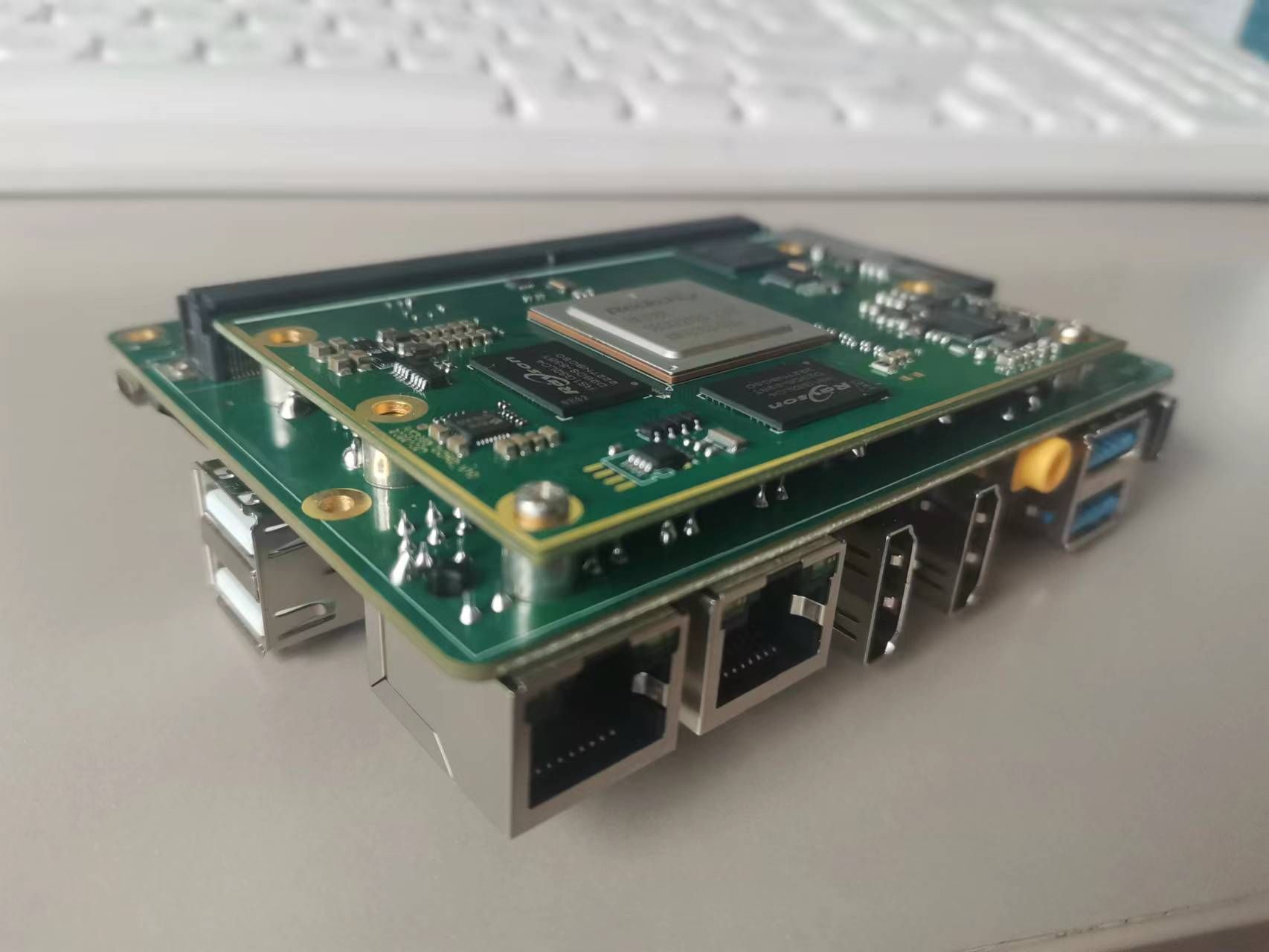
Product image
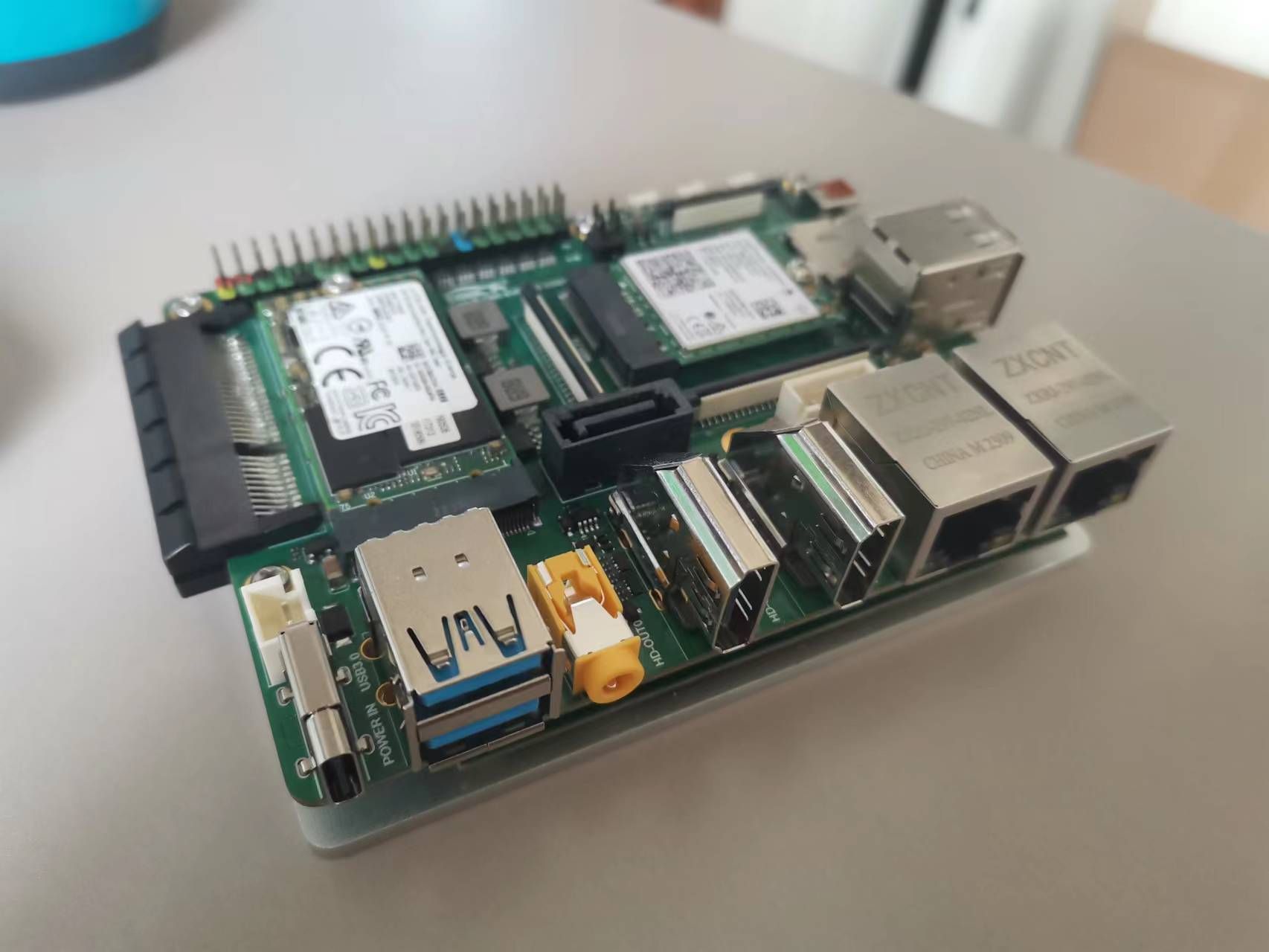
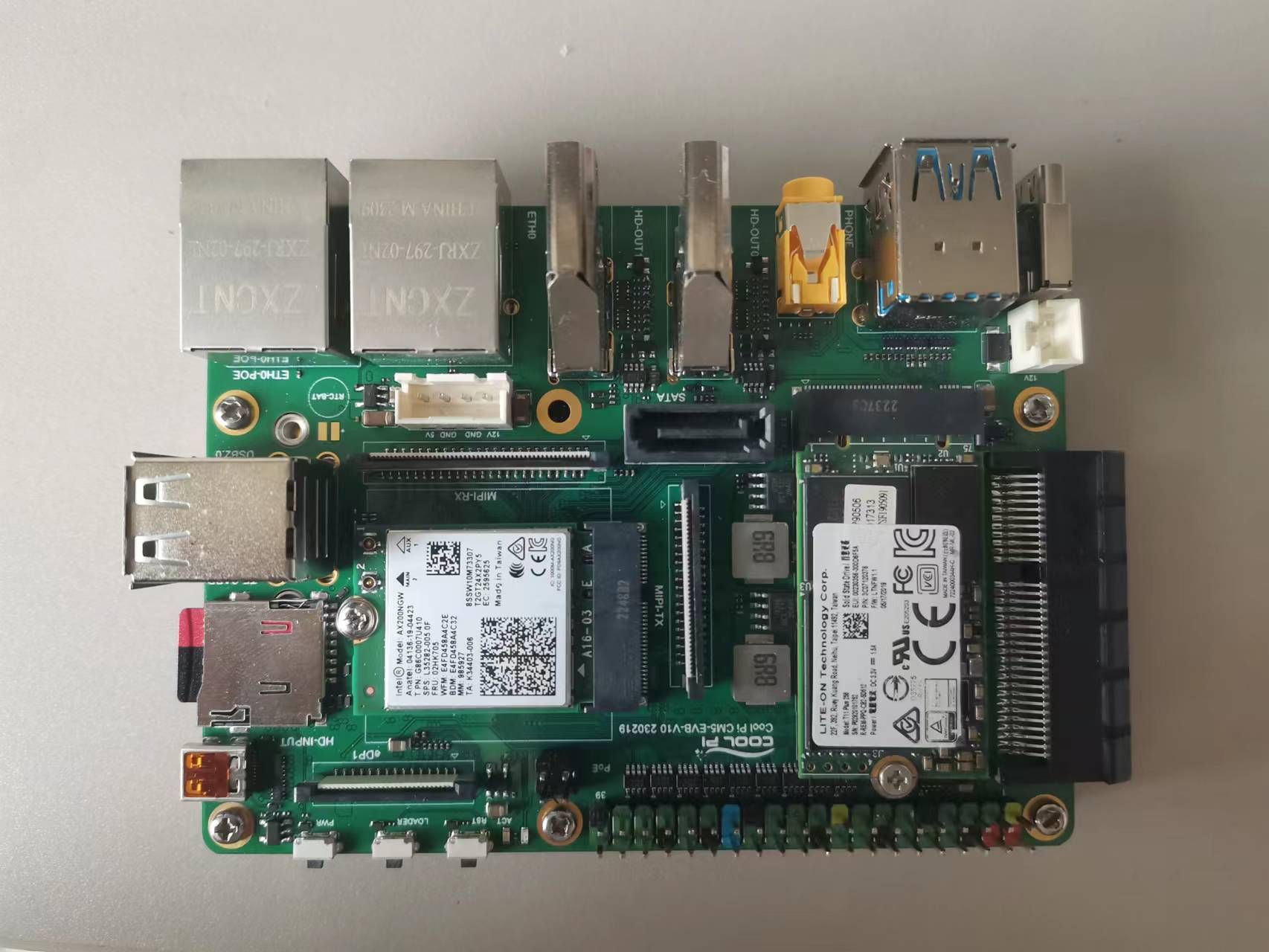
-
All interface functions have been debugged and are currently undergoing performance optimization.
-
It is expected to be sold normally in early April.
G
Posts
-
CM5-EVB Commissioning Descriptionposted in Pi CM5
-
RE: 官网源码不支持树莓派官方最新摄像头IMX477R和IMX708posted in Peripheral
@xingzhan2012 摄像头的调试周期会比较长,做AI部分对摄像头像素要求不会太高,可以考虑先使用USB接口的摄像头模组。
-
RE: Cool Pi 4B 如何使用GPIO啊,树莓派的HQ Camera如何使用呢?posted in Ubuntu
@xingzhan2012 摄像头可以使用gstreamer。默认的镜像里边已经支持。
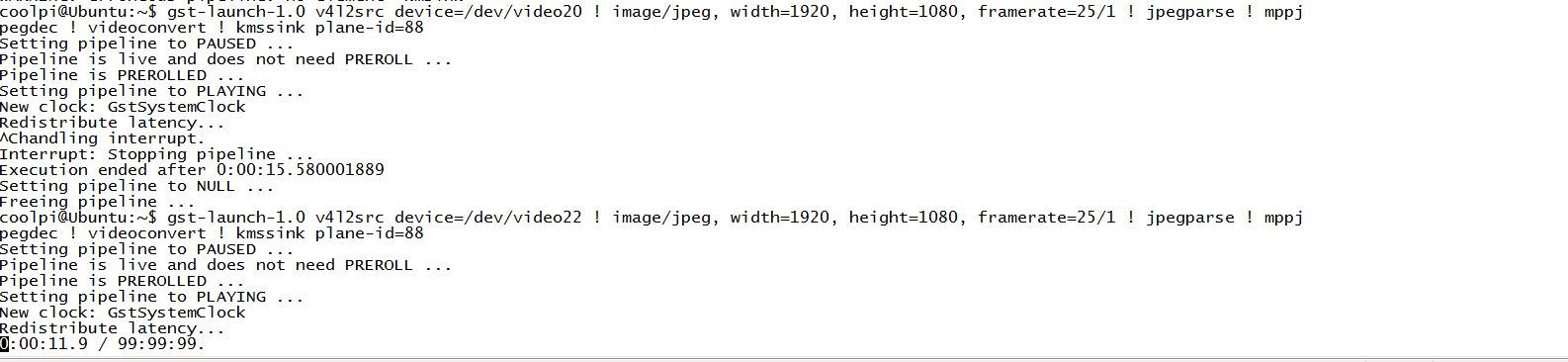
USB摄像头预览,参数根据自己设备的情况修改:gst-launch-1.0 v4l2src device=/dev/video20 ! image/jpeg, width=1920, height=1080, framerate=25/1 ! jpegparse ! mppjpegdec ! kmssink plane-id=88摄像头编码:
gst-launch-1.0 v4l2src device=/dev/video11 ! video/x-raw,format=NV12 ! mpph264enc ! h264parse ! filesink location=1.h264 -e注意:默认的mipi摄像头对应的video11节点,USB摄像头对应的video20.
-
RE: 双4K usb摄像头posted in Hardware
@jugg QT调用gstreamer的例子网上有很多,QT官方也有教程。先尝试一下。注意KMSSINK虽然性能比较好,但是会独占图层。开发的时候注意下。
-
RE: Coolpi 4B ubuntu supportposted in News
gst-launch-1.0 v4l2src device=/dev/video20 ! image/jpeg, width=3840, height=2160, framerate=30/1 ! jpegparse ! mppjpegdec ! videoconvert ! fpsdisplaysink sync=false signal-fps-measurements=true sync=false -
RE: Ubuntu kernel upgradesposted in Ubuntu
@sushruth The 6. x kernel version has been processed internally and is expected to be released in the second quarter.Thank you for your support.
-
RE: Coolpi 4B ubuntu supportposted in News
@jugg 不好意思,手上目前没有4K的设备,要晚一点才能测试。你可以尝试修改如下配置:
/etc/profile.d/gst.sh
默认的最大分辨率改为你目前sensor的最大分辨率。
export GST_V4L2SRC_MAX_RESOLUTION=3840x2160 -
RE: Coolpi 4B ubuntu supportposted in News
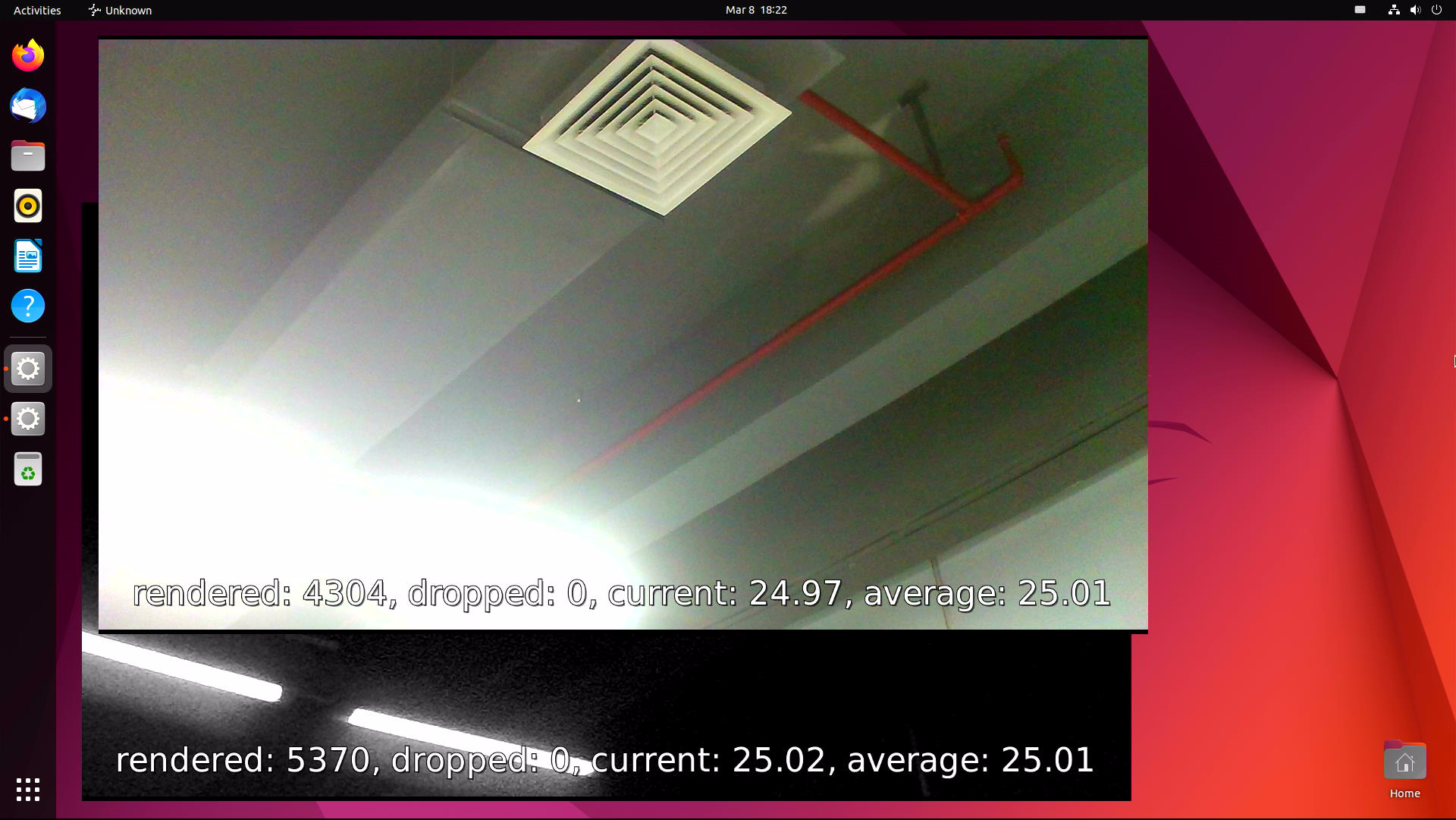
@jugg 我这边测试0306的固件也是正常的。两路1080P/25FPS。
gst-launch-1.0 v4l2src device=/dev/video20 ! image/jpeg, width=1920, height=1080, framerate=25/1 ! jpegparse ! mppjpegdec ! videoconvert ! fpsdisplaysink sync=false signal-fps-measurements=true

gst-launch-1.0 v4l2src device=/dev/video22 ! image/jpeg, width=1920, height=1080, framerate=25/1 ! jpegparse ! mppjpegdec ! videoconvert ! fpsdisplaysink sync=false signal-fps-measurements=true