• Recent
    • Docs
    • Github
    • 百度网盘
    • Google
    • Official
    • Shop
    • Register
    • Login
    1. Cool Pi For You
    2. george
    3. Best
    G
    • Profile
    • Following 0
    • Followers 4
    • Topics 73
    • Posts 887
    • Groups 2

    Posts

    Recent Best Controversial
    • RE: How to drive non-standard resolution HDMI displays

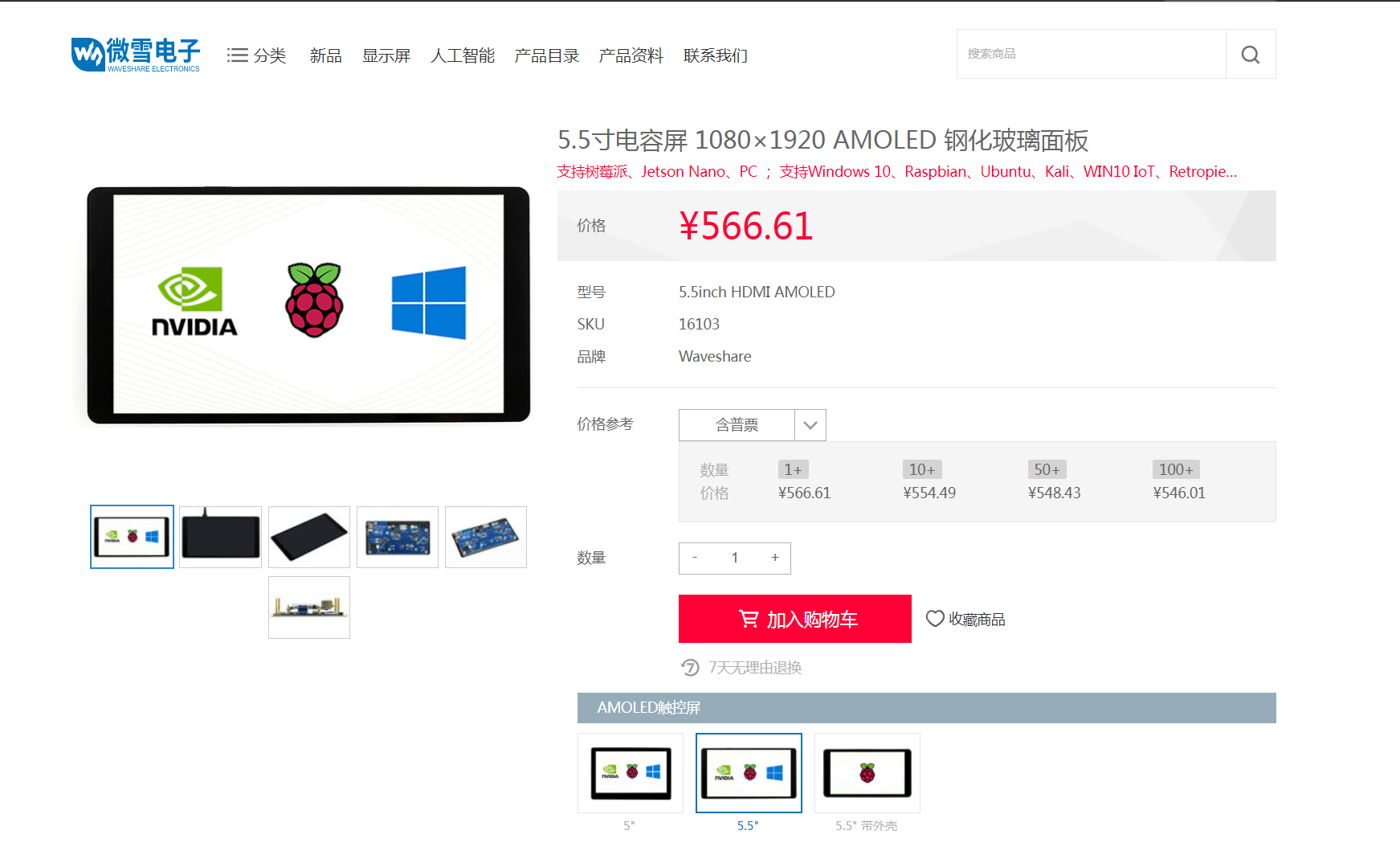
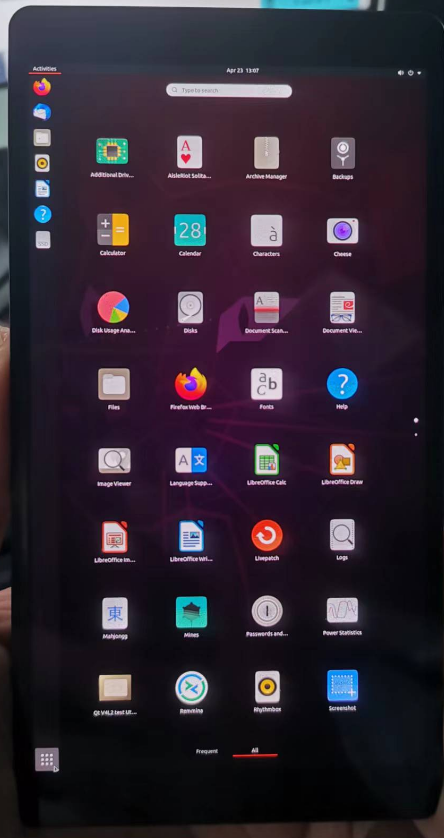
      @george Add 5.5inch HDMI AMOLED edid

      https://www.waveshare.net/shop/5.5inch-HDMI-AMOLED.htm
      264cd5b1-d5fc-49eb-87f3-c5ae778e21be-image.png

      diff --git a/drivers/gpu/drm/drm_edid.c b/drivers/gpu/drm/drm_edid.c
      index 4fdfb41b91e1..b1171d8cbf2d 100644
      --- a/drivers/gpu/drm/drm_edid.c
      +++ b/drivers/gpu/drm/drm_edid.c
      @@ -575,6 +575,14 @@ static const struct drm_display_mode drm_dmt_modes[] = {
              { DRM_MODE("4096x2160", DRM_MODE_TYPE_DRIVER, 556188, 4096, 4104,
                         4136, 4176, 0, 2160, 2208, 2216, 2222, 0,
                         DRM_MODE_FLAG_PHSYNC | DRM_MODE_FLAG_NVSYNC) },
      +       /* 0x59 - 3840x1100@59.998Hz RB */
      +       { DRM_MODE("3840x1100", DRM_MODE_TYPE_DRIVER, 282890, 3840, 3888,
      +                  3920, 4100, 0, 1100, 1103, 1108, 1150, 0,
      +                  DRM_MODE_FLAG_PHSYNC | DRM_MODE_FLAG_NVSYNC) },
      +       /* 0x60 - 1080x1920@60Hz RB */
      +       { DRM_MODE("1080x1920", DRM_MODE_TYPE_DRIVER, 137520, 1080, 1112,
      +                  1144, 1200, 0, 1920, 1928, 1932, 1936, 0,
      +                  DRM_MODE_FLAG_NHSYNC | DRM_MODE_FLAG_NVSYNC) },
       };
      

      6ab42146-d07d-4c32-8ff7-d1a3fb41c889-image.png

      posted in Pi CM5
      G
      george
    • RE: CoolPi 4B: Change output pins of i2c3 and i2c5

      @maxpol I2C3 I2C5 cannot be changed to other pinsOf course, you can try opening other I2C channels.

      posted in Pi 4B
      G
      george
    • Coolpi 4b with Ubuntu22 running panfrost gpu driver performance testing

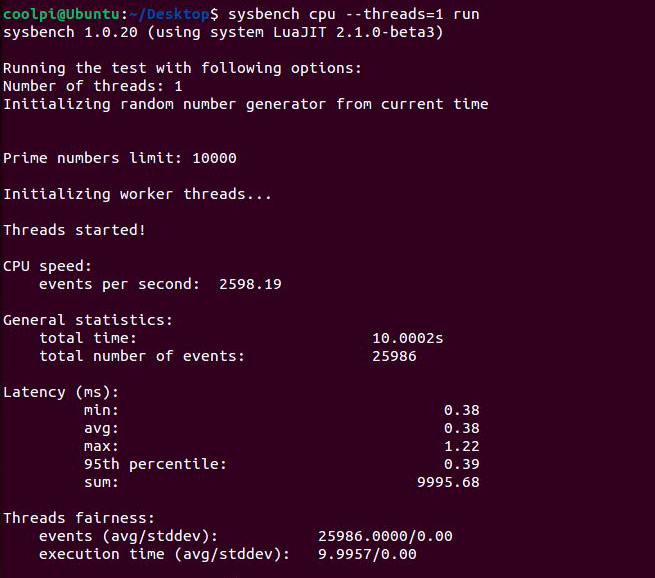
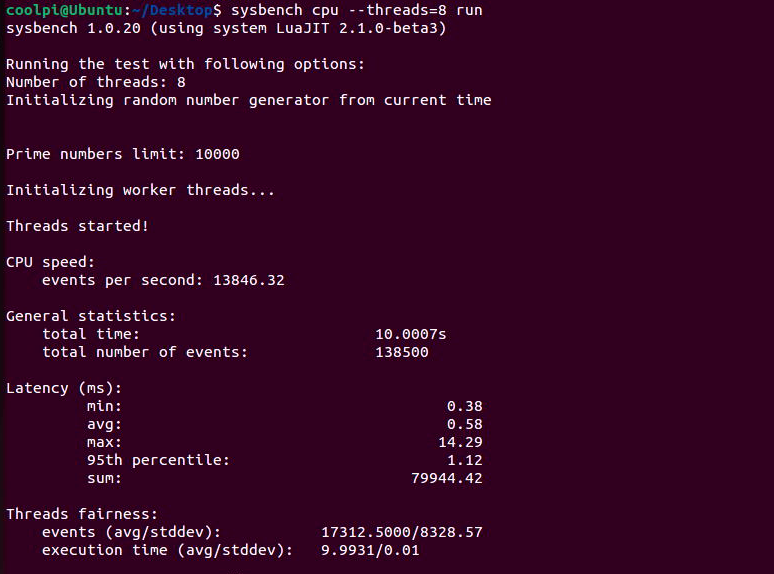
      CPU

      测试方法:

      sudo apt install sysbench
      

      62ac005d-d40d-43b2-bd6d-93dadacf1d91-image.png

      af34c2a1-48ba-4e9d-a1d2-d65f1d1823ff-image.png
      RK3588S单核心每秒事件数2598,8核每秒事件数13846;同步对比 i7-7700 ,单核每秒事件数1438,8核每秒事件数8469。可见ARM在CPU方面并不比X86弱。

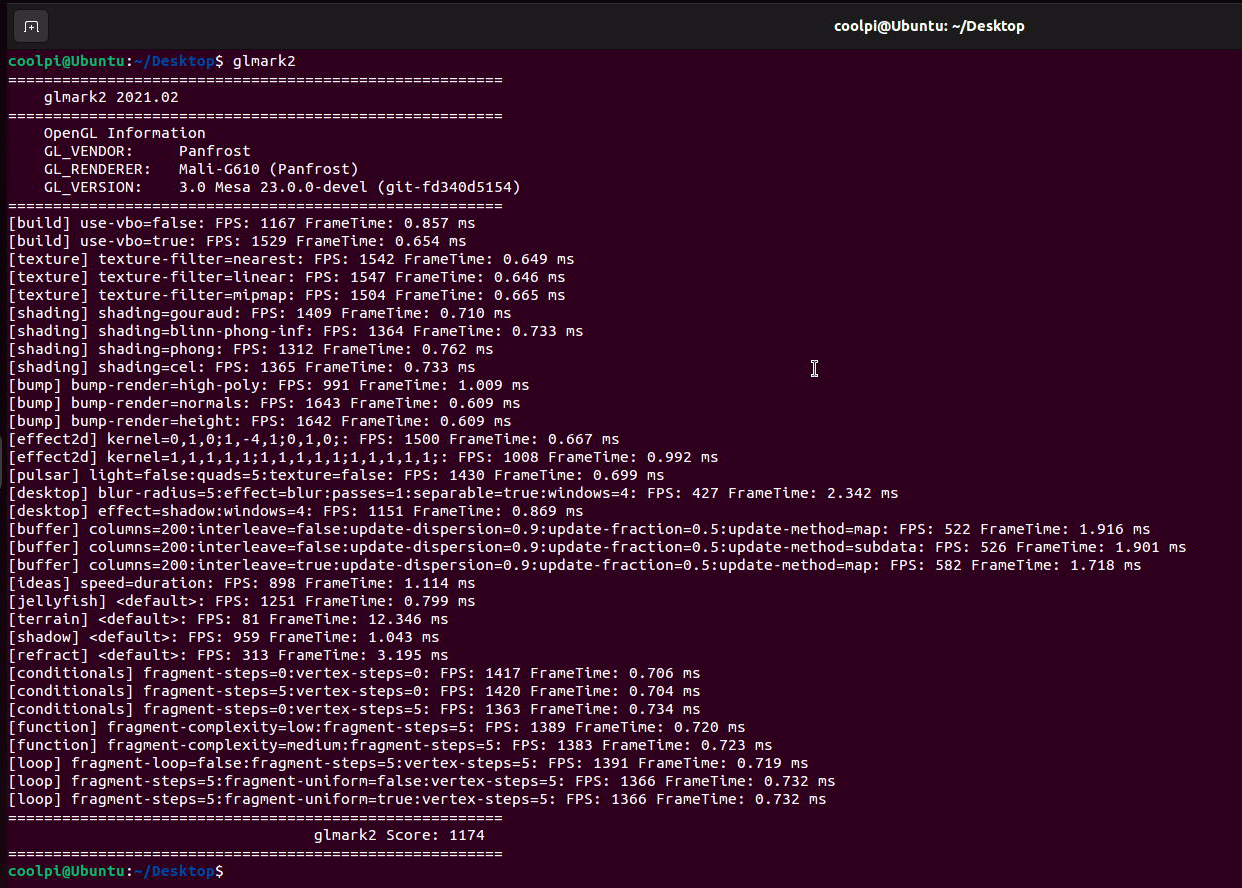
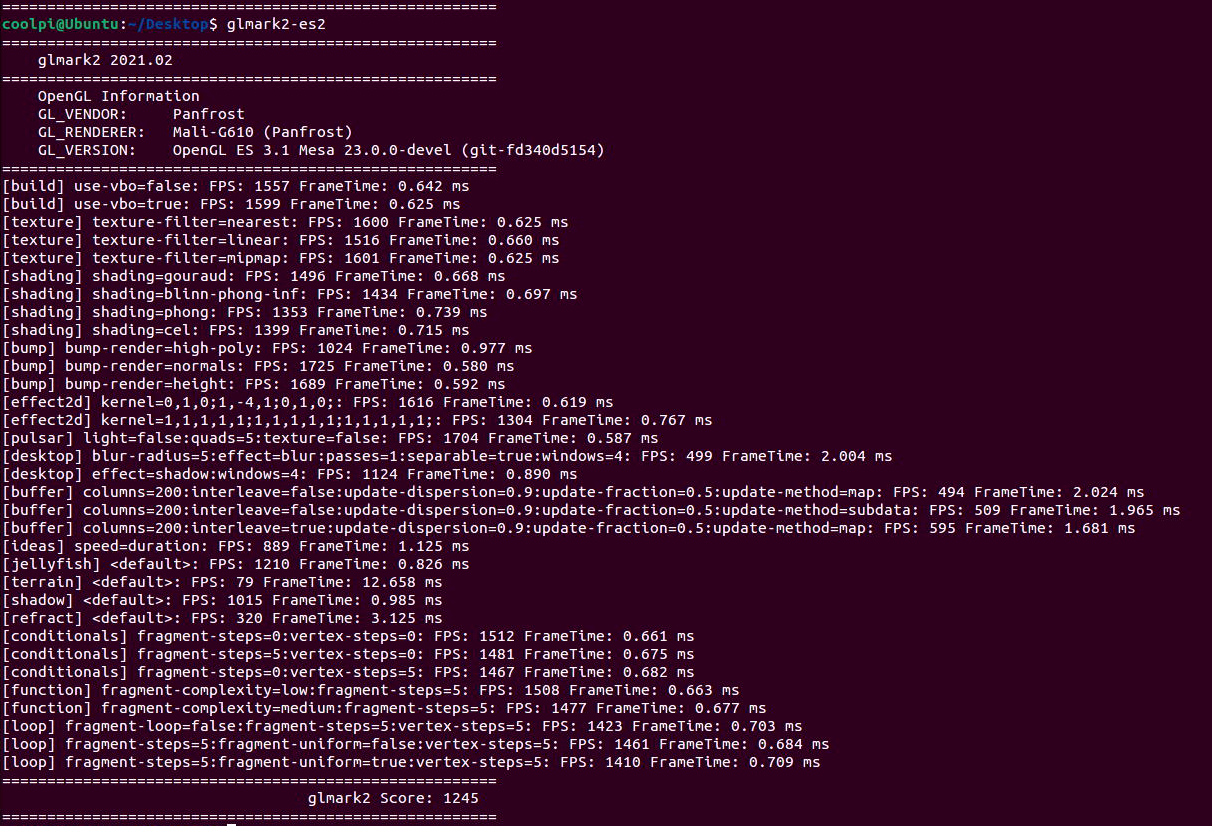
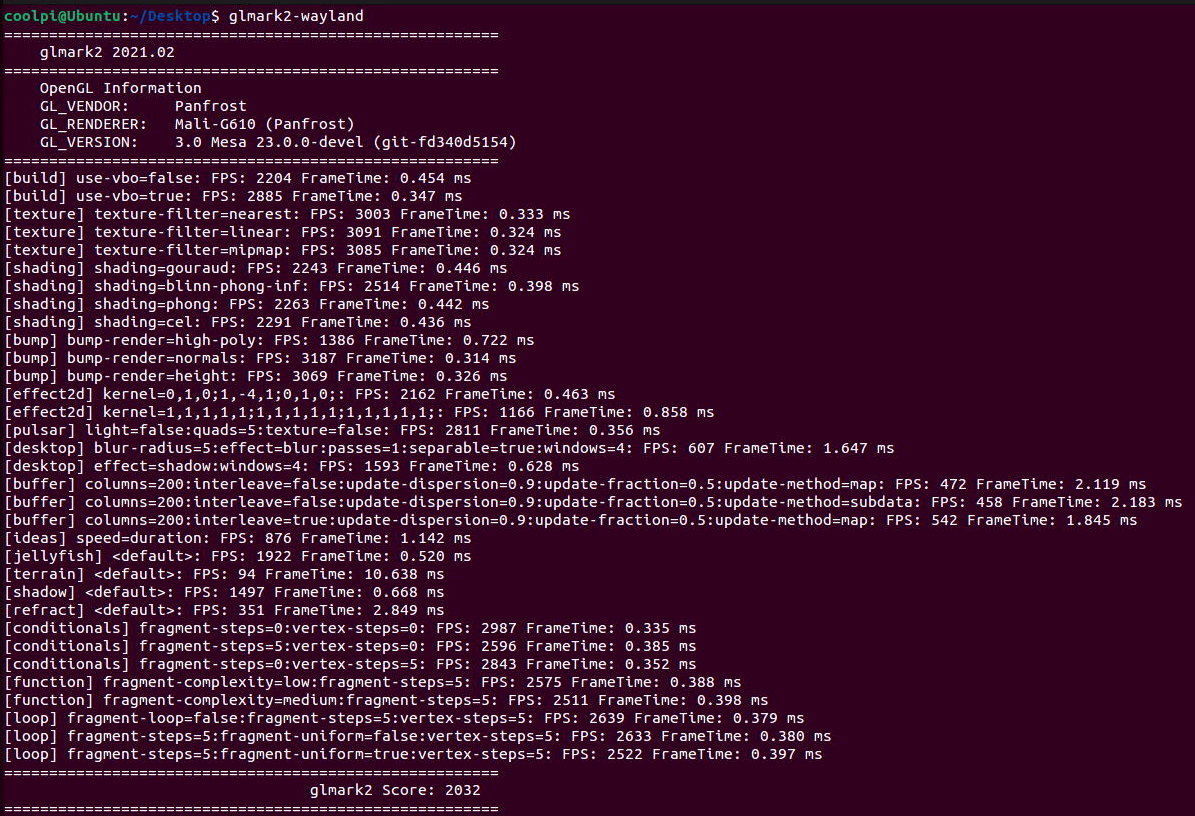
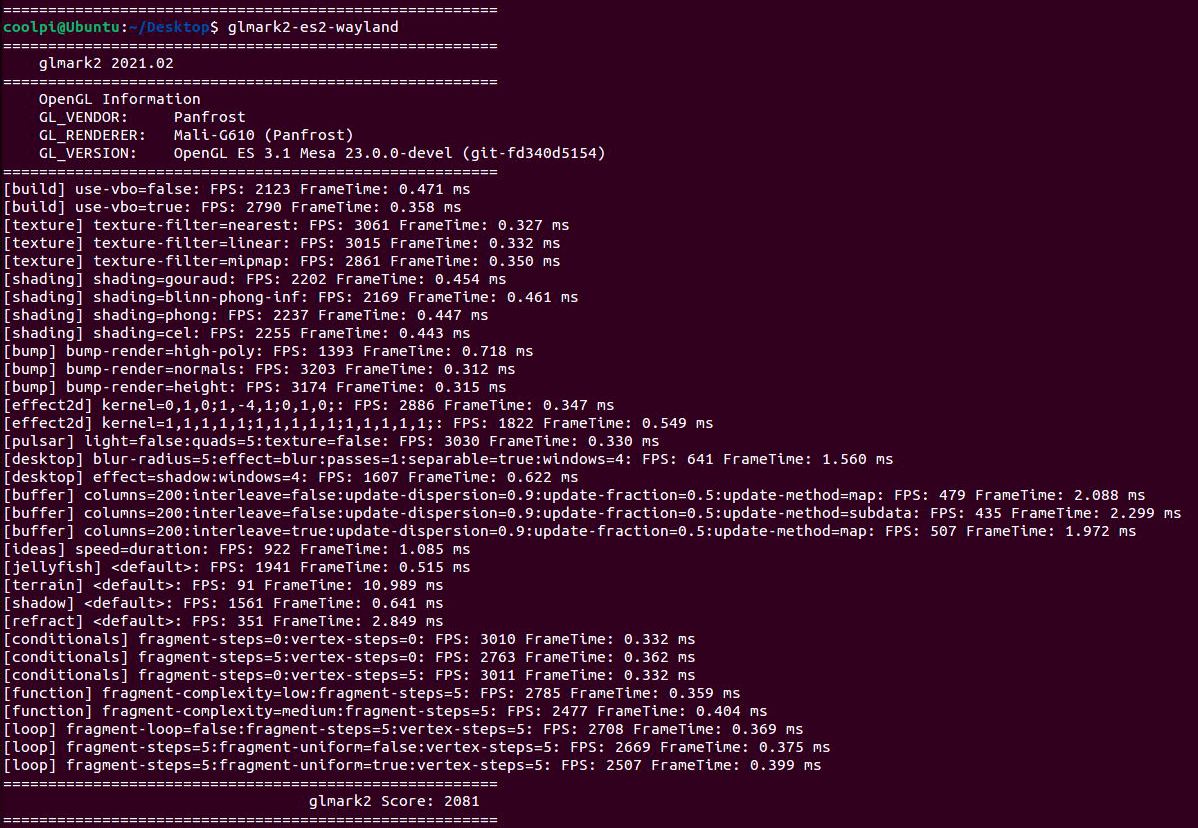
      GPU

      测试方法:

      sudo apt-get install glmark2* -y
      

      X11 gl

      9e53b109-3bc6-4922-925f-2a4285a728ba-image.png

      X11 gles 3.1

      7219e59b-9962-4bf0-9a1c-a917f0aae560-image.png

      WAYLAND gl

      dcbf393c-83db-4aa0-95b1-7a0325af289c-image.png

      WAYLAND gles 3.1

      0108ea28-c38c-486a-ad01-5191a63497f9-image.png

      posted in Ubuntu
      G
      george
    • RE: Booting from USB drive

      @Rock
      The current human-computer interaction interface of uboot is not yet perfect. We are trying to do this and will notify you of the version launch as soon as possible. Thank you for your support.

      posted in PI CM5 Laptop
      G
      george
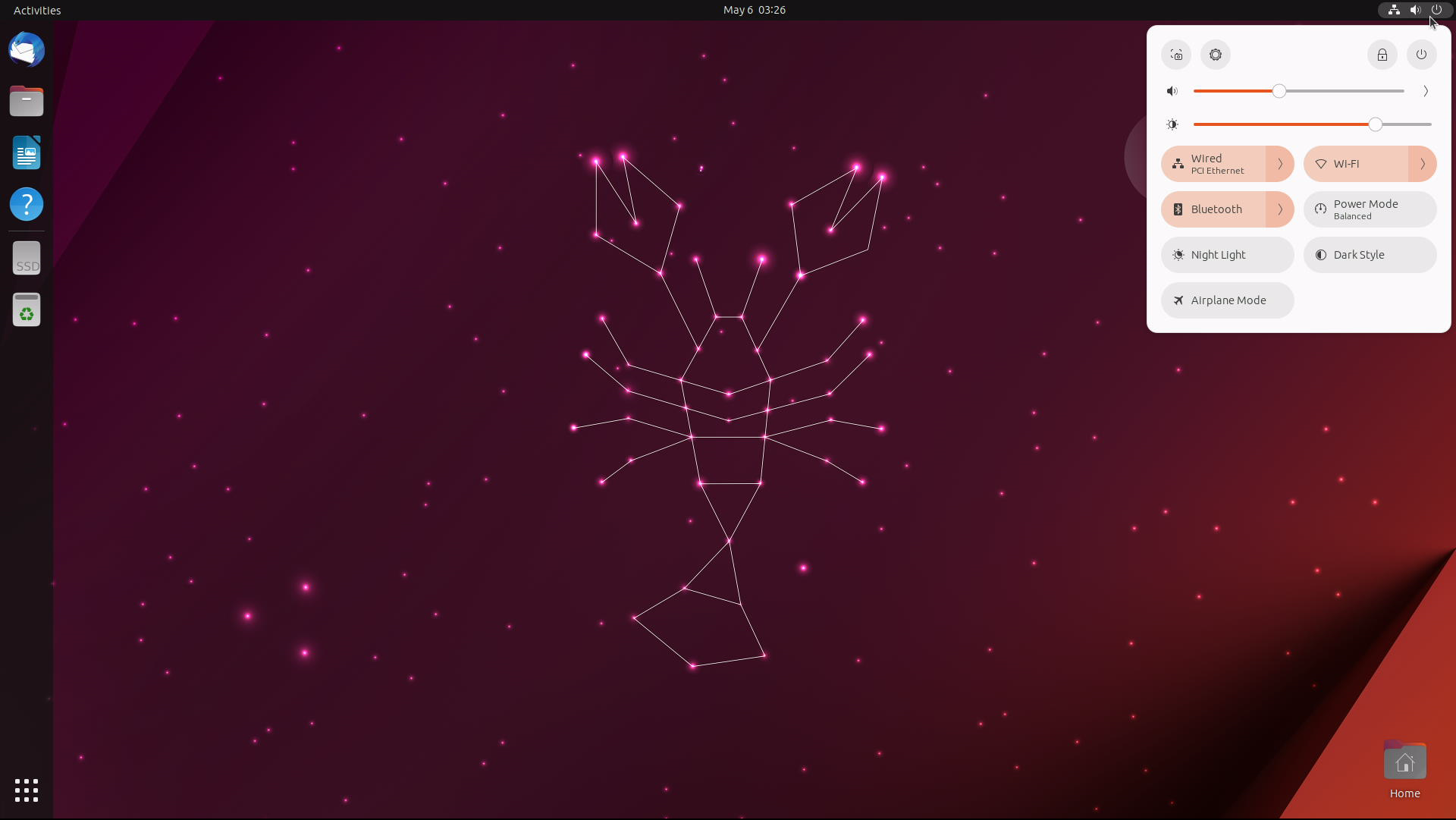
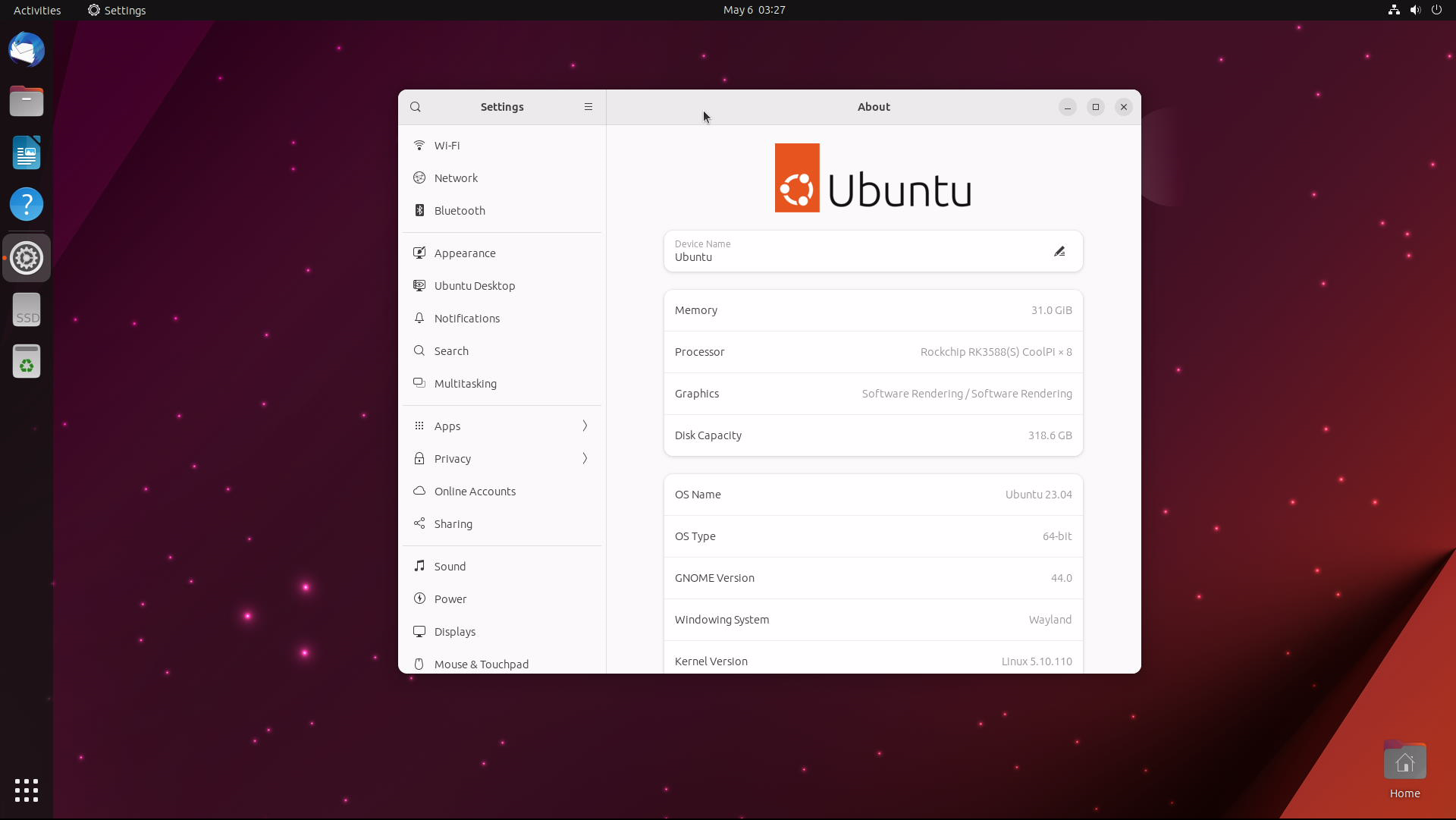
    • Ubuntu23.04 for CoolPi

      825c93f1-3804-40c2-8ce8-8bb0c50daf61-image.png

      a409b8fa-978a-4889-a197-30a221e76d30-image.png

      Default Account

      username:coolpi password:123

      Update GPU driver

      sudo add-apt-repository ppa:george-coolpi/mali-g610
      sudo apt-get dist-upgrade
      

      Update multimedia decoding library

      sudo add-apt-repository ppa:george-coolpi/multimedia
      sudo apt-get dist-upgrade
      
      posted in Pi CM5
      G
      george
    • RE: Heatsync options

      @zensation The radiator can be matched with raspberry pi. A separate fan is OK. Normally, it is not necessary to add aluminum alloy fins on the CPU.

      posted in Peripheral
      G
      george
    • RE: [ ubutnu 22.04 ] AP+STA mode 似乎無法同時啟用?

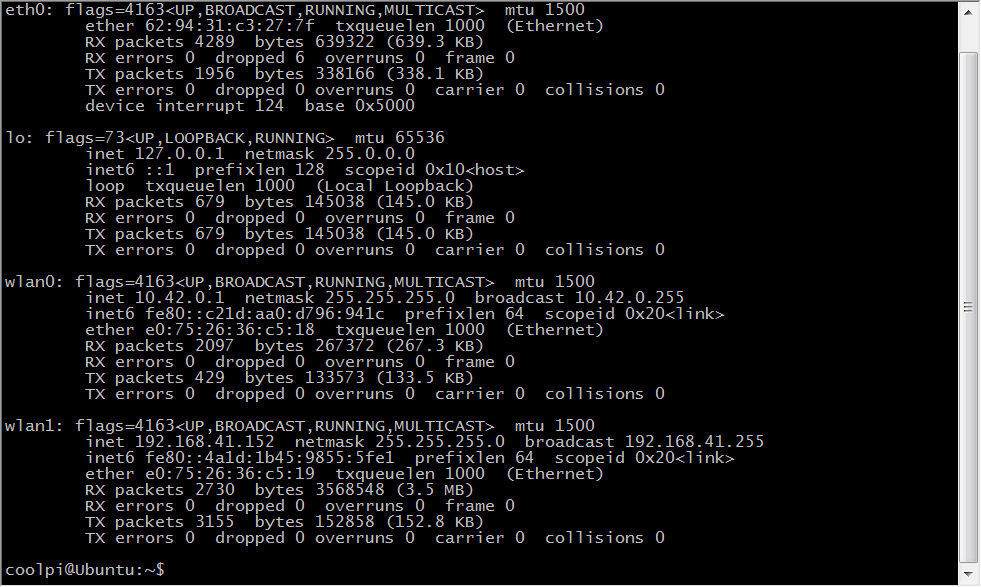
      内核已经更新,同步develop代码到最新,编译替换内核,KO文件解压到/lib/modules目录,重启机器会看到两个WIFI节点。
      7ab4819e-37fc-4a97-83e4-20e42016d7fa-image.png
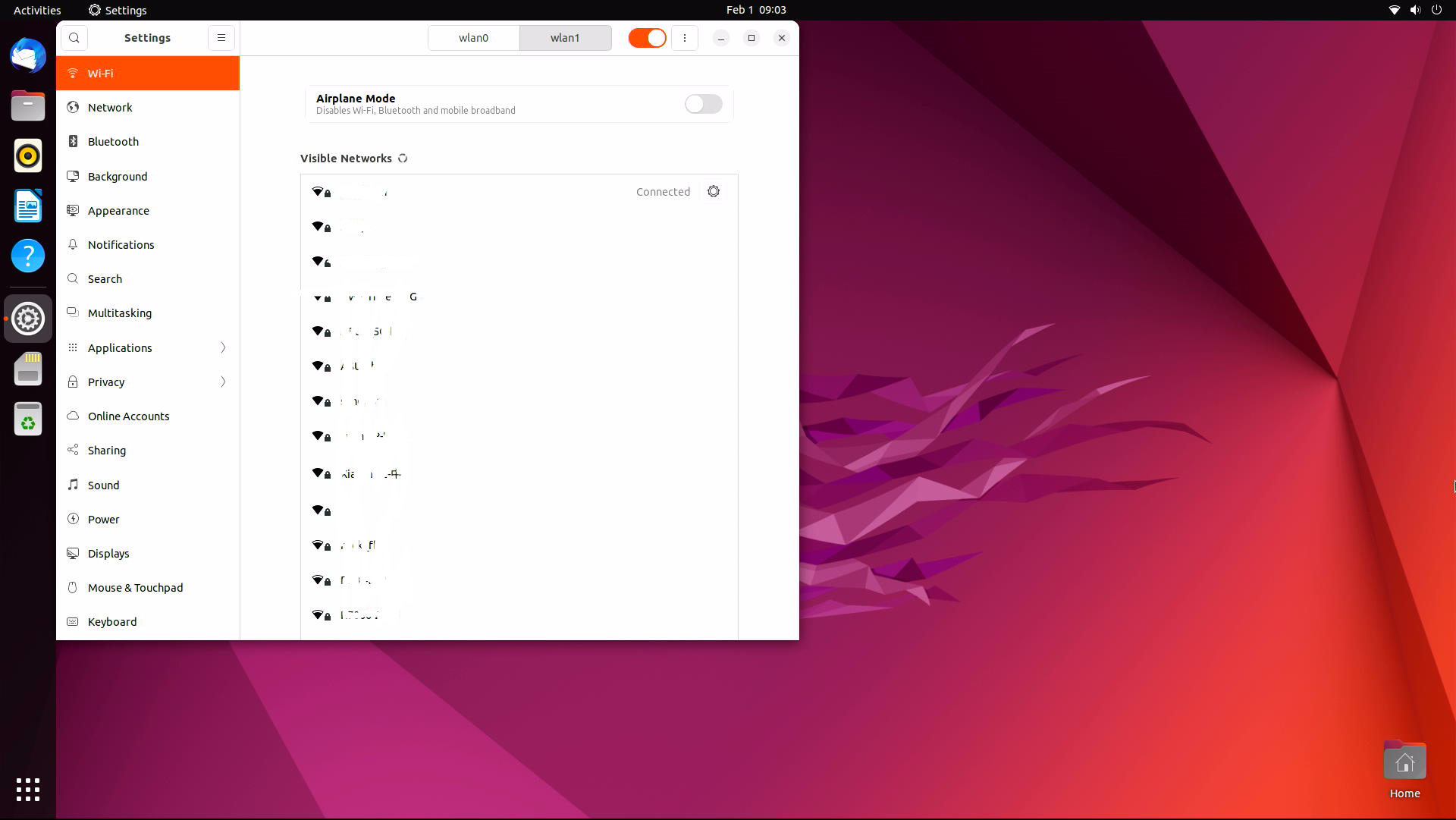
      使用其中一个连接外网
      7850a016-4711-44c5-90b8-fcf923704241-image.png
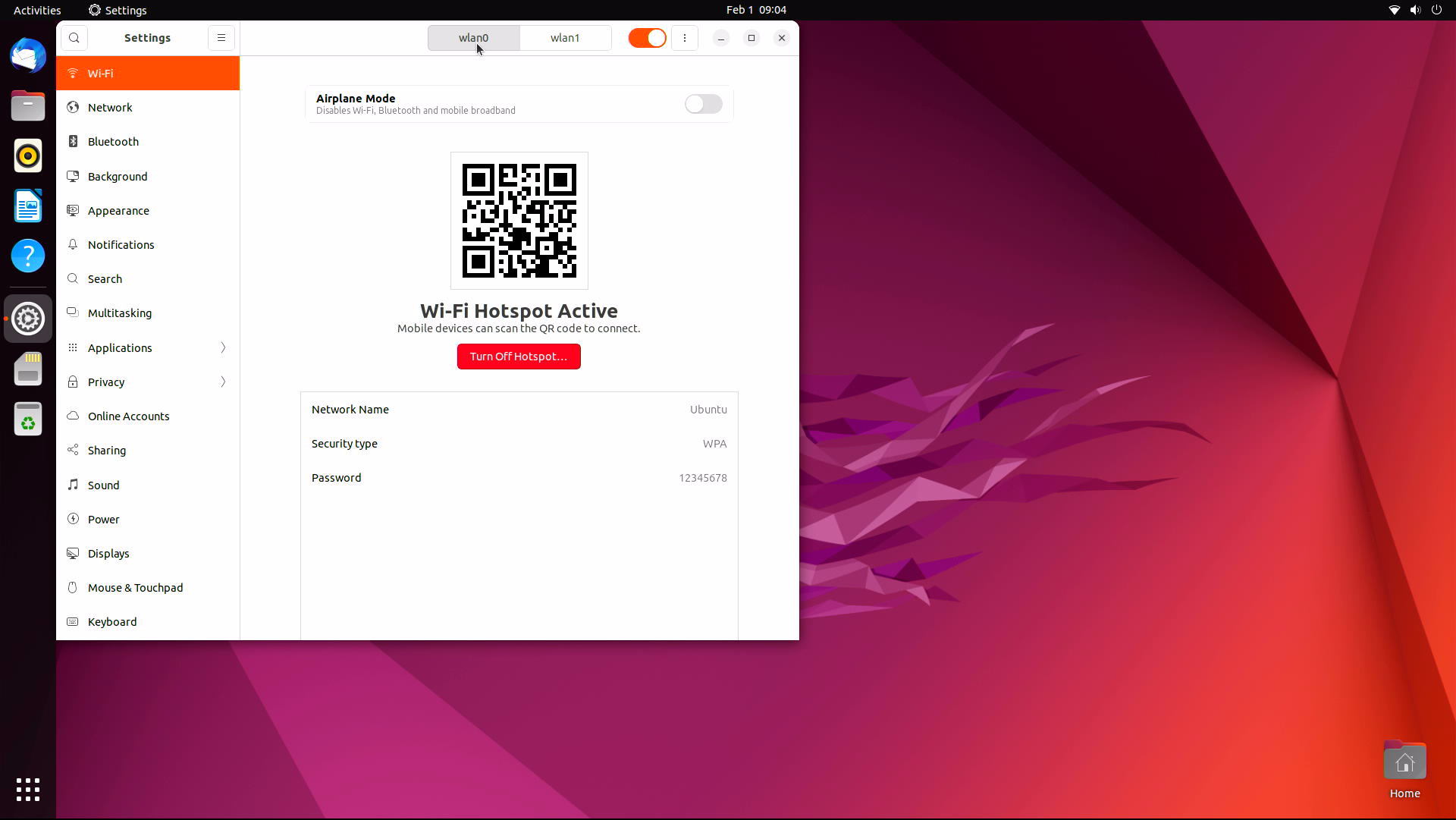
      另外一个可以作为热点
      448c111f-6dca-4be2-8016-d80619b31231-image.png

      posted in Ubuntu
      G
      george
    • RE: Coolpi Ubuntu 24.04 is coming soon!!

      @Rock
      The Ubuntu 24.04 image has really been released and can be obtained from Baidu Cloud or Onedrive. Thank you for your support.

      posted in PI CM5 Laptop
      G
      george
    • Installing Cockpit on coolpi
      • By default, the Cockpit package is included in the Ubuntu 22.04 default repository. You can install it by running the following command:
          sudo apt-get install cockpit -y
      
      • After installing Cockpit, run the following command to install the Podman module:
          sudo apt-get install cockpit-podman -y
      
      • After installing Cockpit, start the Cockpit service and have it start when the system reboots:
          systemctl start cockpit
          systemctl enable cockpit
      
      • You can also use the following command to check the status of Cockpit:
           systemctl status cockpit
      
      • You should see the following output:
      ●cockpit.service - Cockpit Web Service
           Loaded: loaded (/lib/systemd/system/cockpit.service; static)
           Active: active (running) since Tue 2023-11-21 08:44:56 UTC; 7min ago
      TriggeredBy: ● cockpit.socket
             Docs: man:cockpit-ws(8)
          Process: 336904 ExecStartPre=/usr/lib/cockpit/cockpit-certificate-ensure --for-cockpit-tls (code=exited, status=0/SUCCESS)
         Main PID: 336905 (cockpit-tls)
            Tasks: 3 (limit: 37954)
           Memory: 1.5M
              CPU: 358ms
           CGroup: /system.slice/cockpit.service
                   └─336905 /usr/lib/cockpit/cockpit-tls
      
      • At this point, Cockpit has started and is listening on port 9090. You can use the following command to view:
           ss -antpl | grep 9090
      
      • You should see the following output:
           LISTEN 0      0                  *:9090            *:*
      
      • Configure a UFW firewall and open port 9090

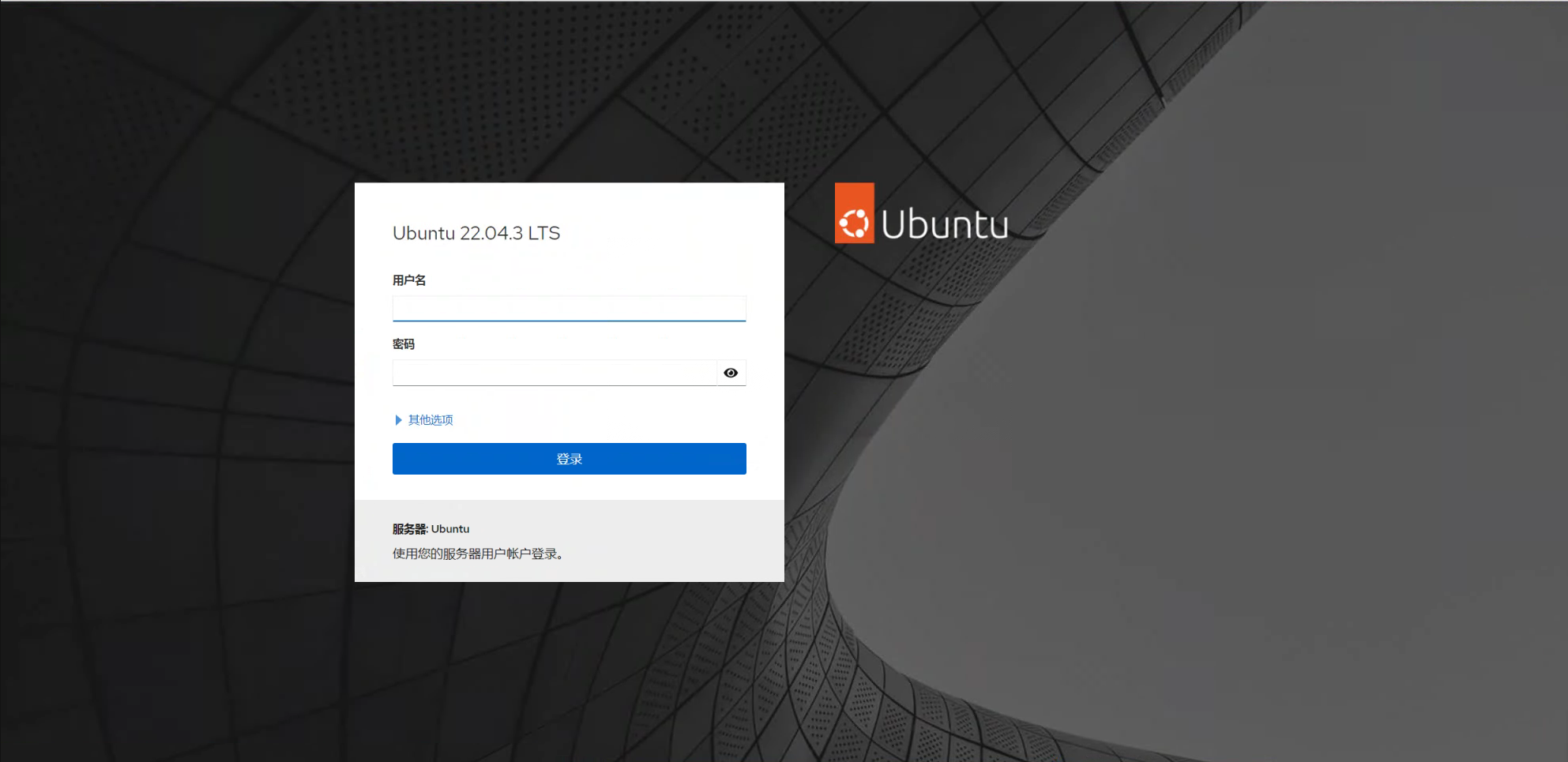
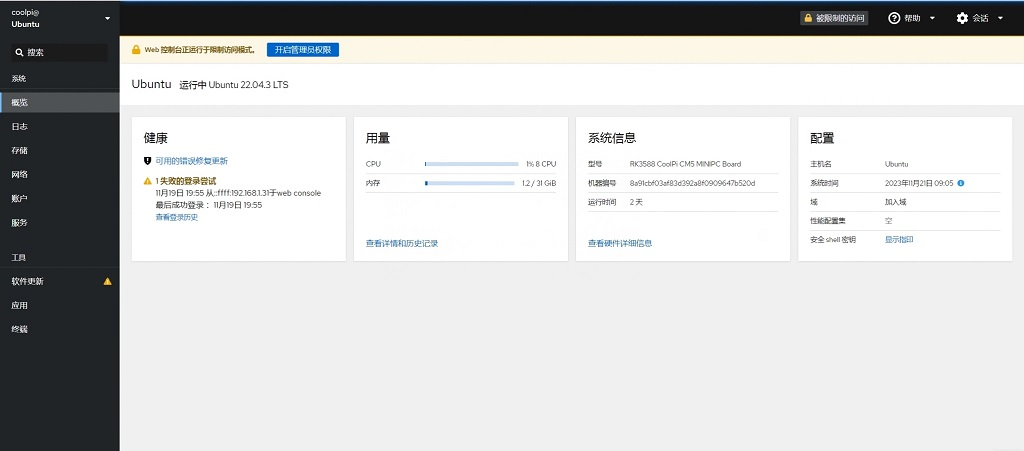
      • Now, open a web browser and use the URL https://your-server-ip:9090 Access the Cockpit web interface. You should see the Cockpit login page:
        dc983d9f-47a0-4e78-9a25-c173323fcc0d-image.png
        115.png

      posted in Pi CM5
      G
      george
    • RE: HDMI display 綠屏

      @tonyone0902 数据格式的问题可能性比较大。

      posted in Peripheral
      G
      george
    • gstreamer video framework

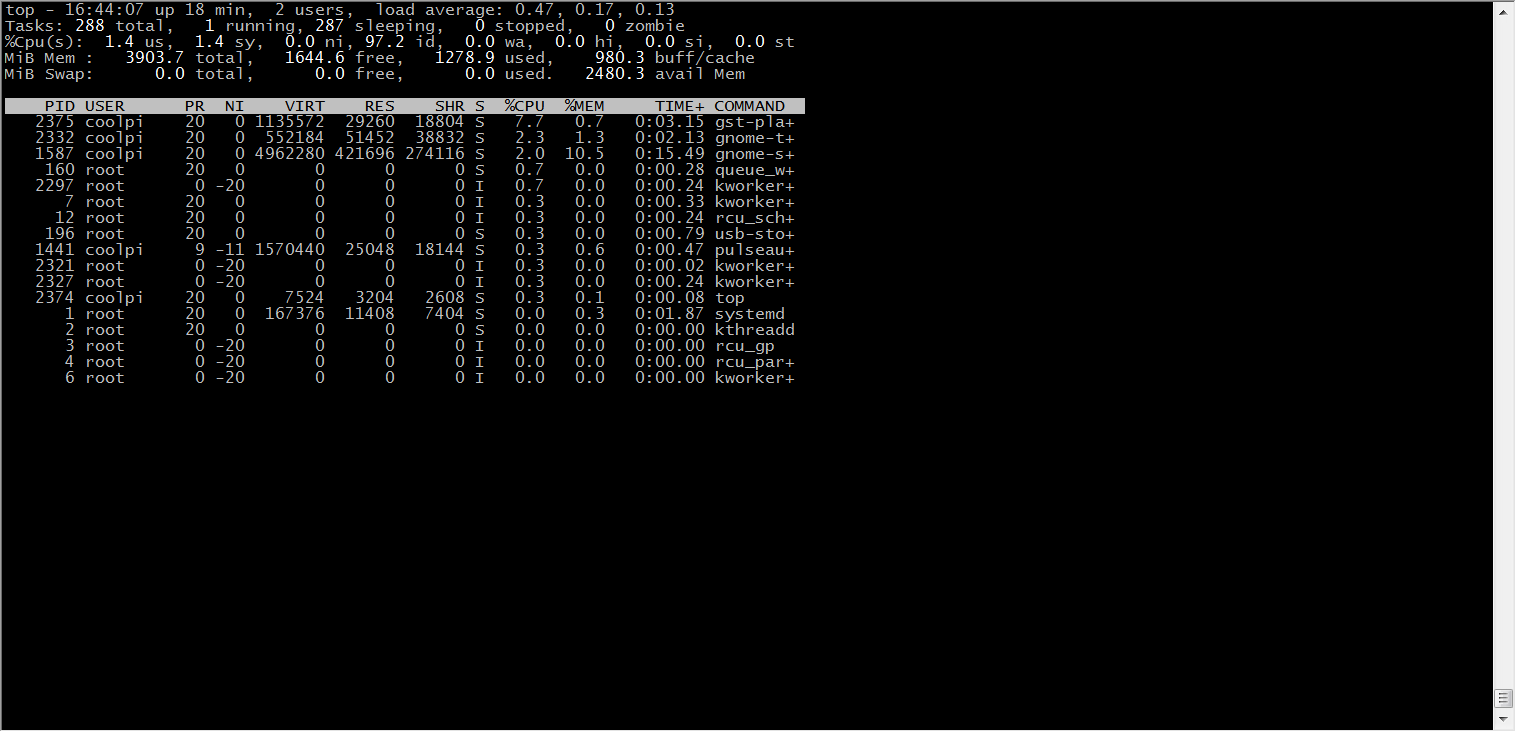
      The latest ubuntu22.04 firmware(20230303-ubuntu-22.04-preinstall-desktop-arm64) integrates ffmpeg and gstreamer video frames, and can call the hardware codec module of Rockchip, which can greatly improve the video codec performance of the device and reduce the CPU load.

      • With kmssink, the CPU utilization of 4K video playback is reduced to about 10%.The disadvantage is that it occupies one layer.

      • The following command can obtain layer information.

         sudo cat /sys/kernel/debug/dri/0/state | grep "plane"
      
      • Use the following command to play the video and replace xxx.mp4 with the actual path. 88 represents the layer, kmssink only supports the display of Esmart layer.
         gst-play-1.0  xxx.mp4 --videosink='kmssink plane-id=88'
      
      • You can also use other plug-ins, such as xvimagesink glimagesink waylandsink, etc.

      50b880fb-d9d7-4e37-8390-4db38abc1423-image.png
      e5daa33a-b078-41c2-b50d-be1040b17d50-image.png

      posted in Ubuntu
      G
      george
    • RE: 如何进入coolpi cm5-laptop的bios设置?

      @Rock
      1.First, download the image to the COOLPI laptop
      2.Then insert the USB drive into the laptop, double-click on the image and the following interface will pop up. 3.Then select the USB drive, and the image will be created into the USB drive
      4.Restart the laptop and the machine will boot from the USB drive. After entering the system, copy the 24.04 image into the USB drive.
      5.Double click on the 24.04 image in the USB drive directory, select EMMC (starting with AT29), and enter the root password. The image will be flushed into EMMC.

      posted in PI CM5 Laptop
      G
      george
    • RE: 电源底板上电最大可以上多大需要多少安培

      @阿里
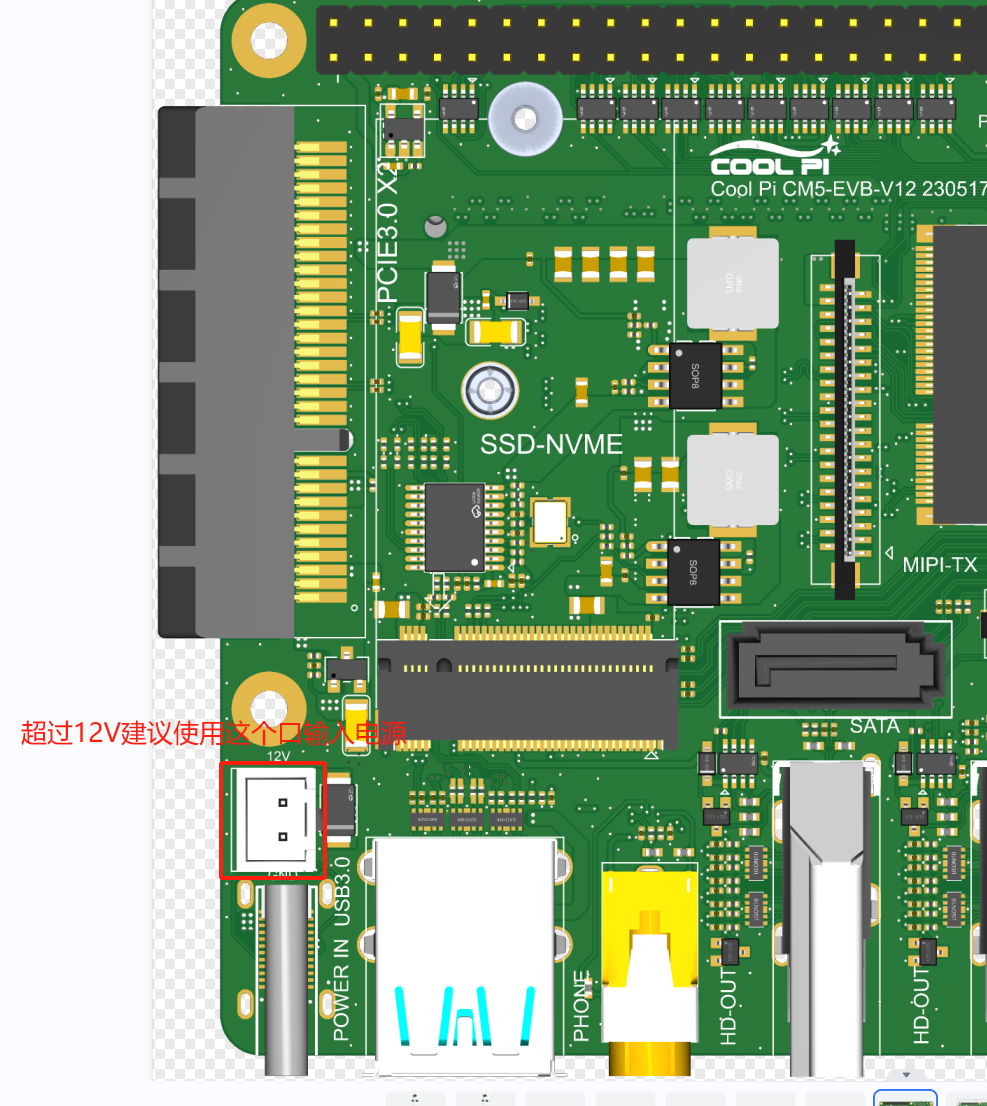
      不会的!DCDC输入的电压可以到30V以上。超过12V的电源输入建议使用2PIN 2.54mm连接器,如下图所示:正常工作12V 1.5A就可以满足系统要求,如果有加其它外设比如移动硬盘 SSD之类的,根据实际情况增加电源功率。
      0270118f-1075-4346-a528-87b50717eaf2-image.png

      posted in Pi CM5
      G
      george
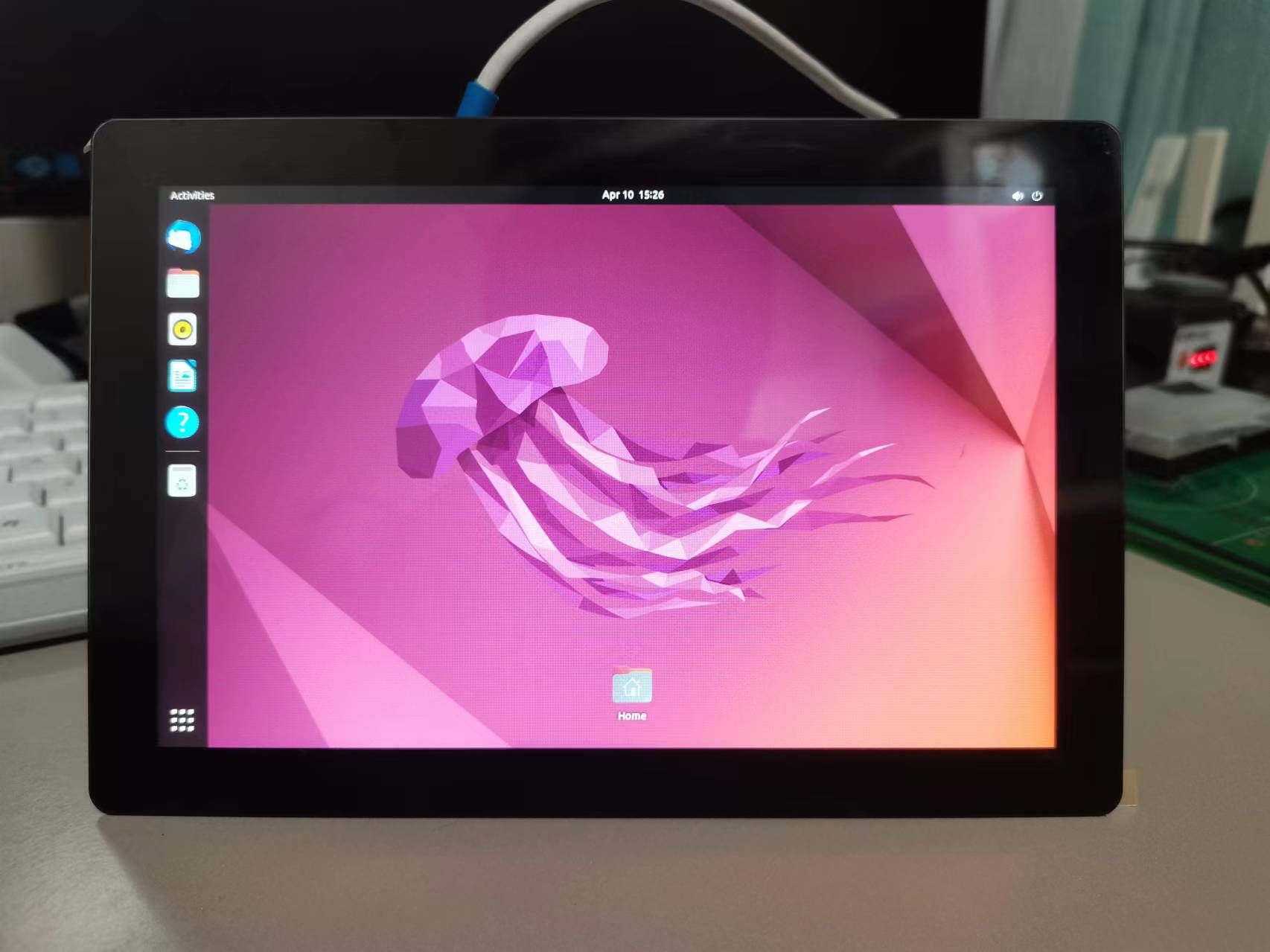
    • Explore unlimited possibilities - Coolpi 8-inch touchscreen

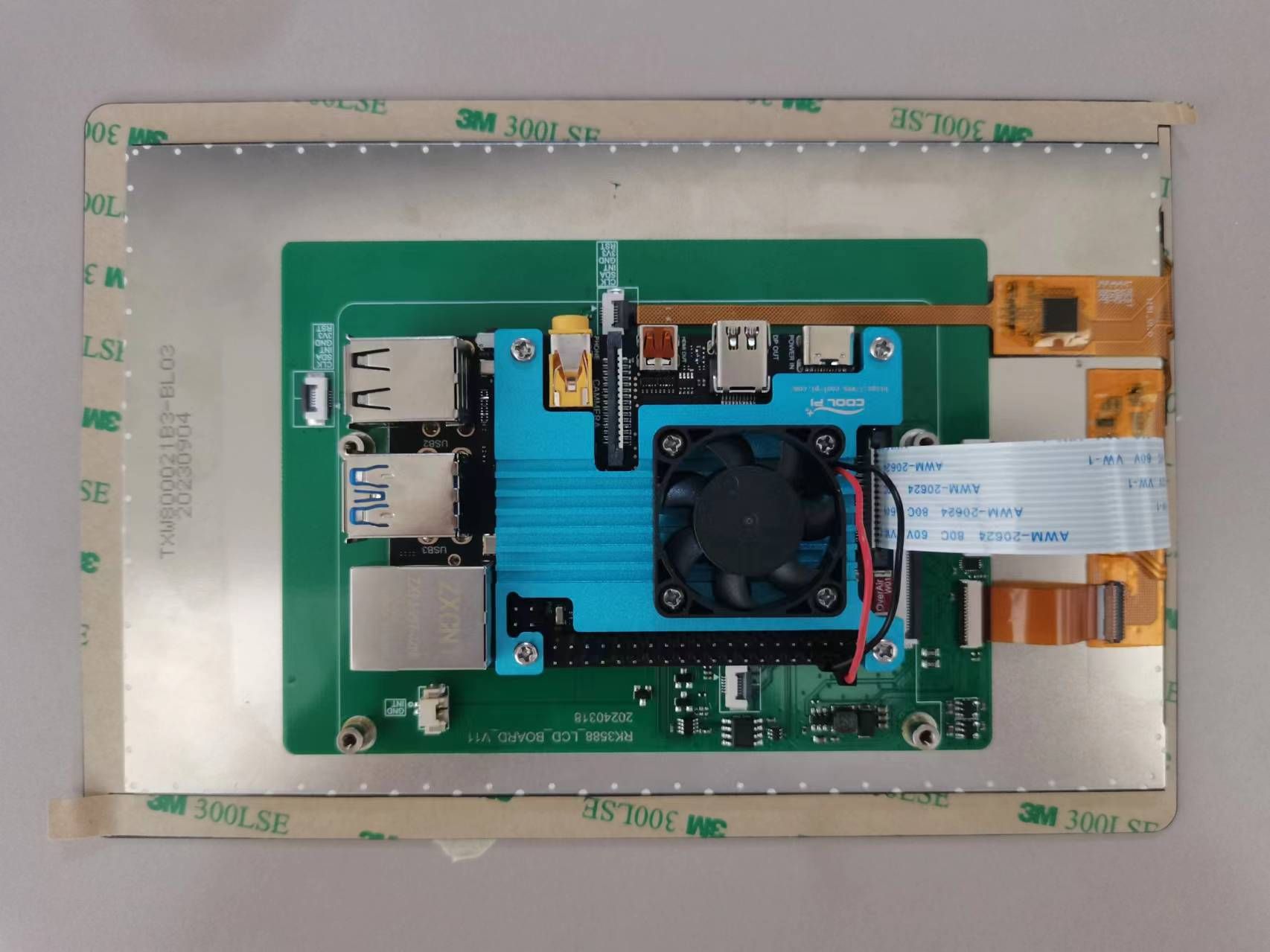
      Welcome to the intersection of technology and creativity! Coolpi 8-inch touchscreen brings you an unprecedented interactive experience. This cost-effective touch screen, with its outstanding performance and unlimited possibilities, will become a powerful assistant for your innovative projects.

      lcd2.jpg

      Product features

      • Suitable size: 8 inches in size, lightweight and portable, allowing your creativity to be everywhere.
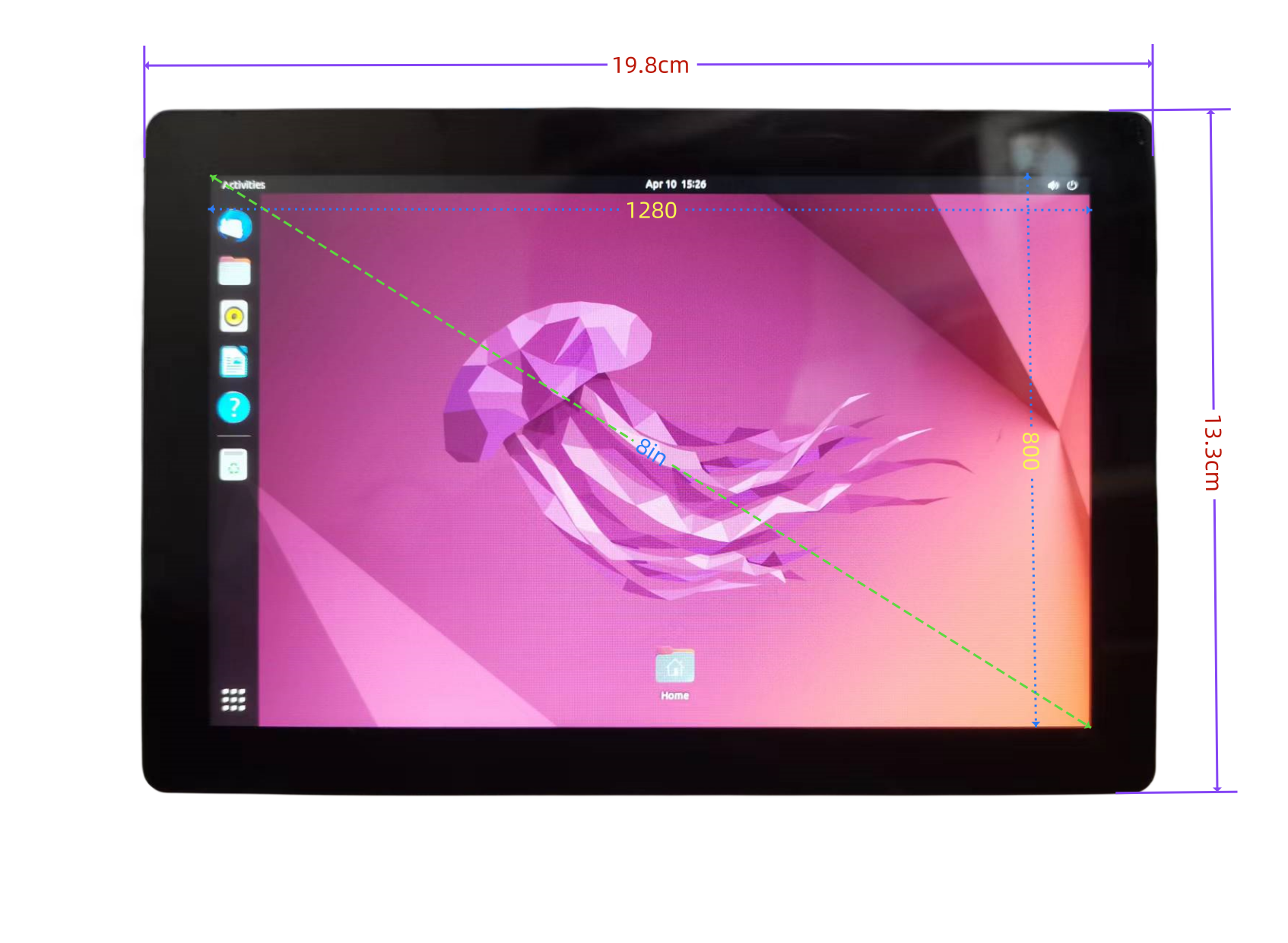
      • High definition display: 800x1280 resolution, clear image, bright colors, and a higher visual experience.
      • Multi touch: Supports five touch for smoother operation, allowing your fingertips to dance on the screen.
      • Strong compatibility: Perfect compatibility with Coolpi CP4/CM5-EVB.
      • Easy to install: With a simple design, you can easily complete the installation and get started quickly.
        lcd1.jpg

      Application scenarios

      • Embedded development: The Coolpi 8-inch touch screen can serve as the core component of intelligent hardware projects, helping you create unique embedded systems.
      • Educational programming: suitable for teenagers to learn programming, easily achieve graphical programming, and cultivate innovative thinking.
      • Home entertainment: It can serve as a home media center, playing high-definition videos and enjoying audiovisual banquets.
      • Smart Home: Combining Coolpi's powerful scalability, create a smart home control system to make life more convenient.
      • Creative display: Artists and designers can display their works through touch screens, interact with the audience, and expand their creative space.
      • Portable devices: The Coolpi 8-inch touch screen can be applied to various portable devices, such as tablets, advertising machines, etc.

      Reason for purchase

      • High cost-effectiveness: Compared to similar products, the Coolpi 8-inch touch screen has a higher cost-effectiveness, making you value your money.
      • Perfect ecosystem: Coolpi has rich community resources, providing you with a large number of tutorials, cases, and driver support.
      • Quality assurance: After strict quality testing, ensure the stability and reliability of the product.
      • Thoughtful after-sales service: We provide professional technical support to solve any problems you encounter during use.
      • Innovation spirit: The Coolpi 8-inch touch screen inherits Coolpi's consistent innovation spirit, helping you achieve more creativity.

      Mechanical dimensions

      lcd4.png
      Join the ranks of Coolpi and embark on your creative journey! Let technology and art blend together to add color to your life.

      posted in Peripheral
      G
      george
    • RE: rk mpp平台YUV格式支持问题

      @jugg
      不同的格式对齐要求不同,RGA硬件本身是对图像每行的数据是按照字(world)对齐的方式进行取数的,即4个字节32个bit。例如RGBA格式本身单个像素存储大小为32(4 × 8)bit,所以没有对齐要求;RGB565格式存储大小为16(5 + 6 +5)bit,所以需要2对齐;RGB888格式存储大小为24(8 × 3)bit,所以该格式需要4对齐才能满足RGA硬件的32bit取数要求;YUV格式存储相对较为特殊,本身排列要求需要2对齐,Y通道单像素存储大小为8bit,UV通道根据420/422决定每四个像素的存储大小,所以YUV格式Y通道需要4对齐才能满足RGA的硬件取数要求,则YUV格式需要4对齐;其他的未提及的格式对齐要求原理相通。注意,该题中对齐均指width stride的对齐要求,YUV格式本身实际宽高、偏移量由于格式本身特性也是要求2对齐的。

      posted in Ubuntu
      G
      george
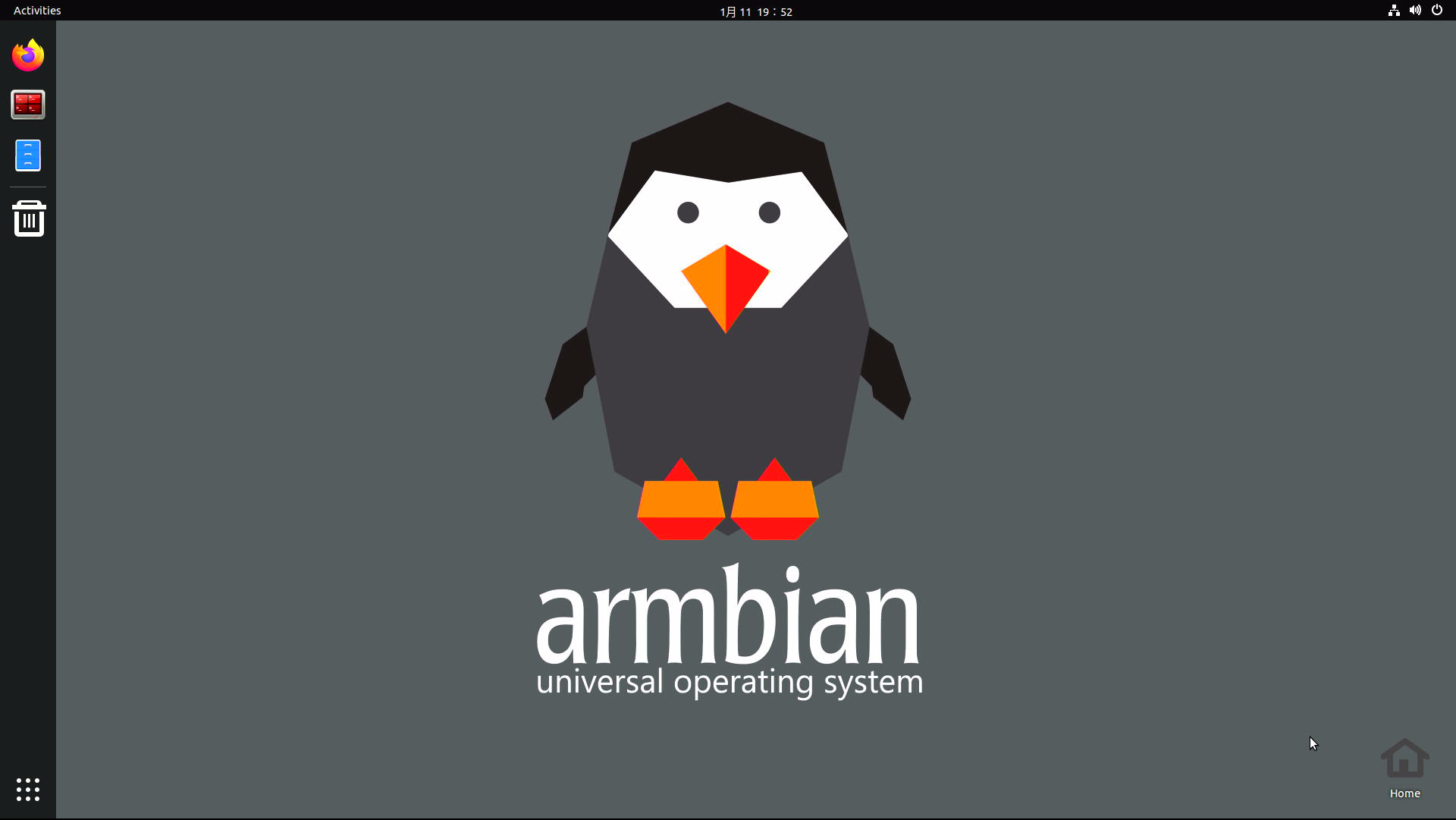
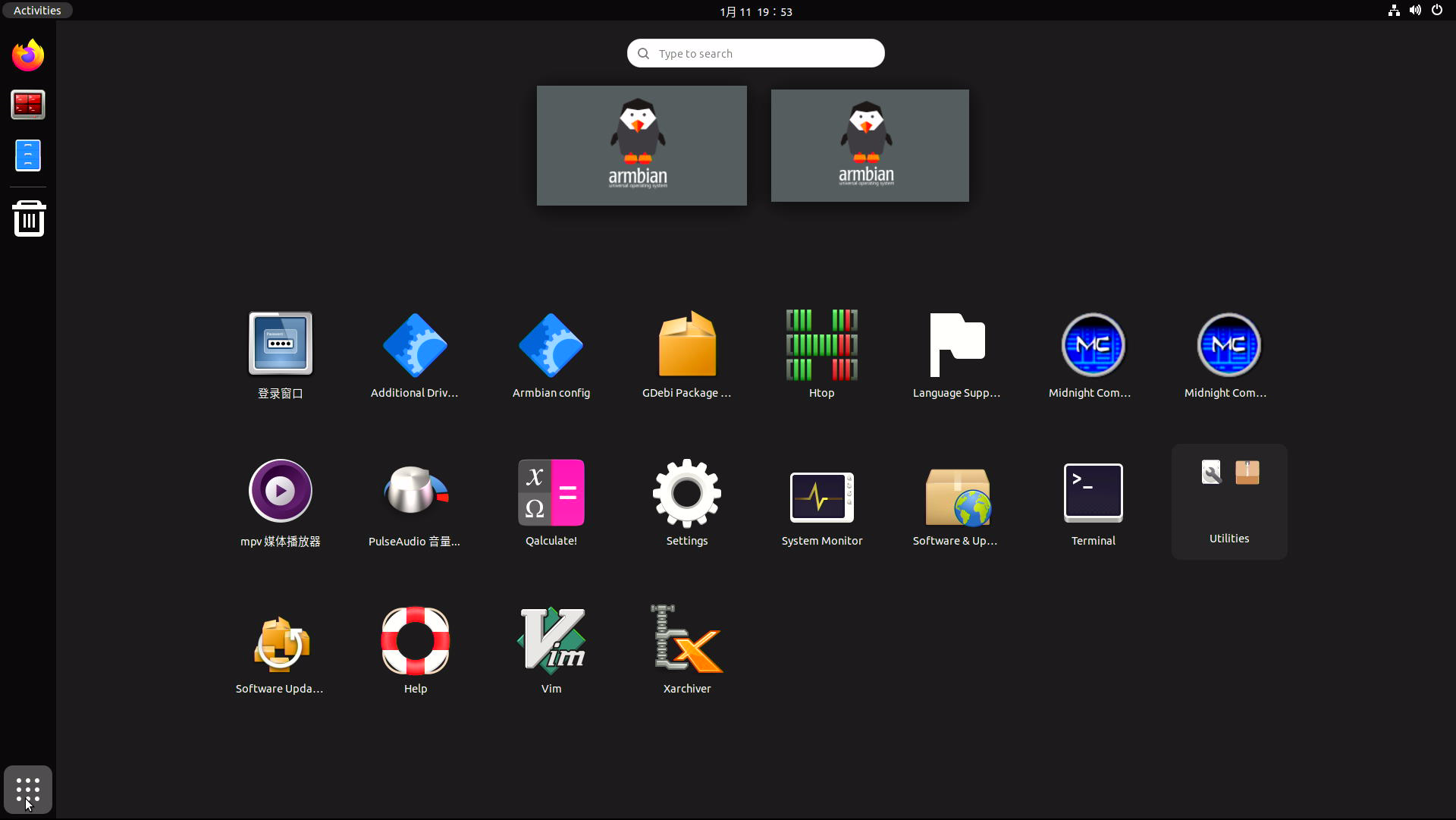
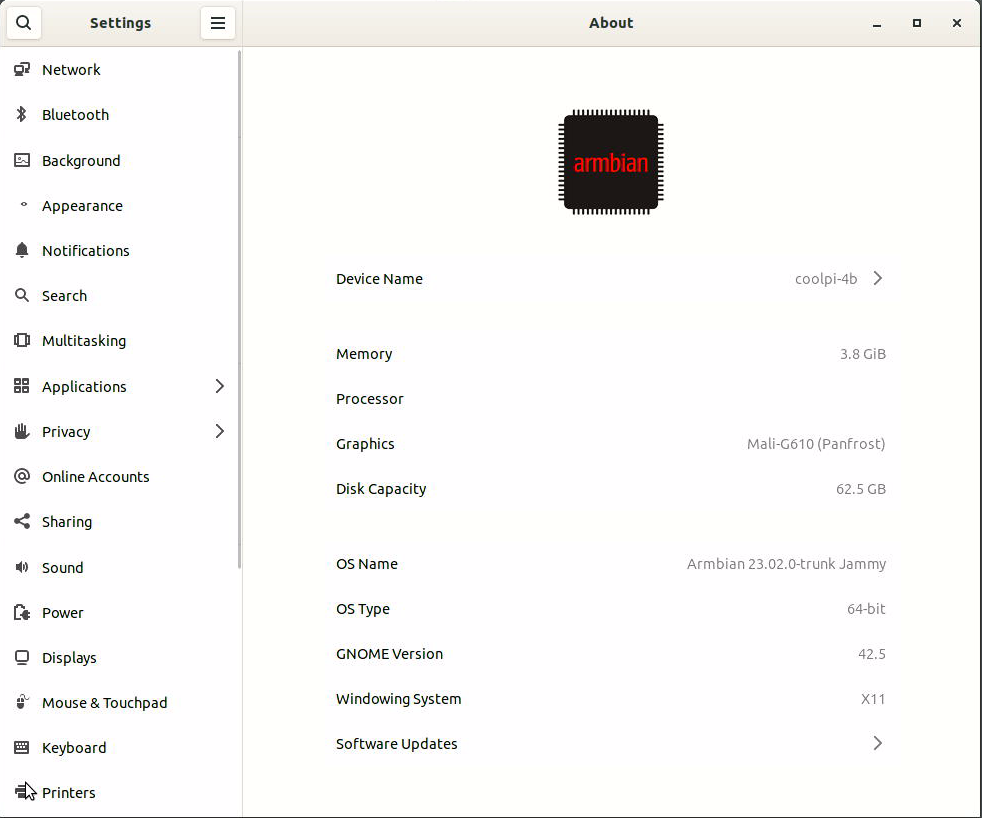
    • Coolpi 4B armbian support

      462ff968-e9f4-4a4a-924a-f3994cb118b0-image.png

      e81e2101-684e-4db3-a7b6-8bec1e776cf4-image.png

      1290fac3-7efb-4d19-91fc-9710f4f8ae52-image.png

      Open source repositories:Github
      Image download:One Drive

      enable 3D acceleration:
      sudo add-apt-repository ppa:george-coolpi/mali-g610
      sudo add-apt-repository ppa:george-coolpi/multimedia
      sudo apt update
      sudo apt dist-upgrade
      
      installing the MPV video player:(Support rkmpp hardware decoding)
      sudo apt-get install mpv
      
      posted in Armbian
      G
      george
    • RE: 如何进入coolpi cm5-laptop的bios设置?

      @Rock
      You can download the image again to the 24.04 system directory. If you downloaded to 22.04 before, you must first mount mmcblk0p2 to the system and then find the image you downloaded earlier in the corresponding folder.

      posted in PI CM5 Laptop
      G
      george
    • RE: Laptop install Ubuntu on nvme

      @Momo-0
      Closing the laptop cover will put the machine into sleep mode.

      posted in Ubuntu
      G
      george
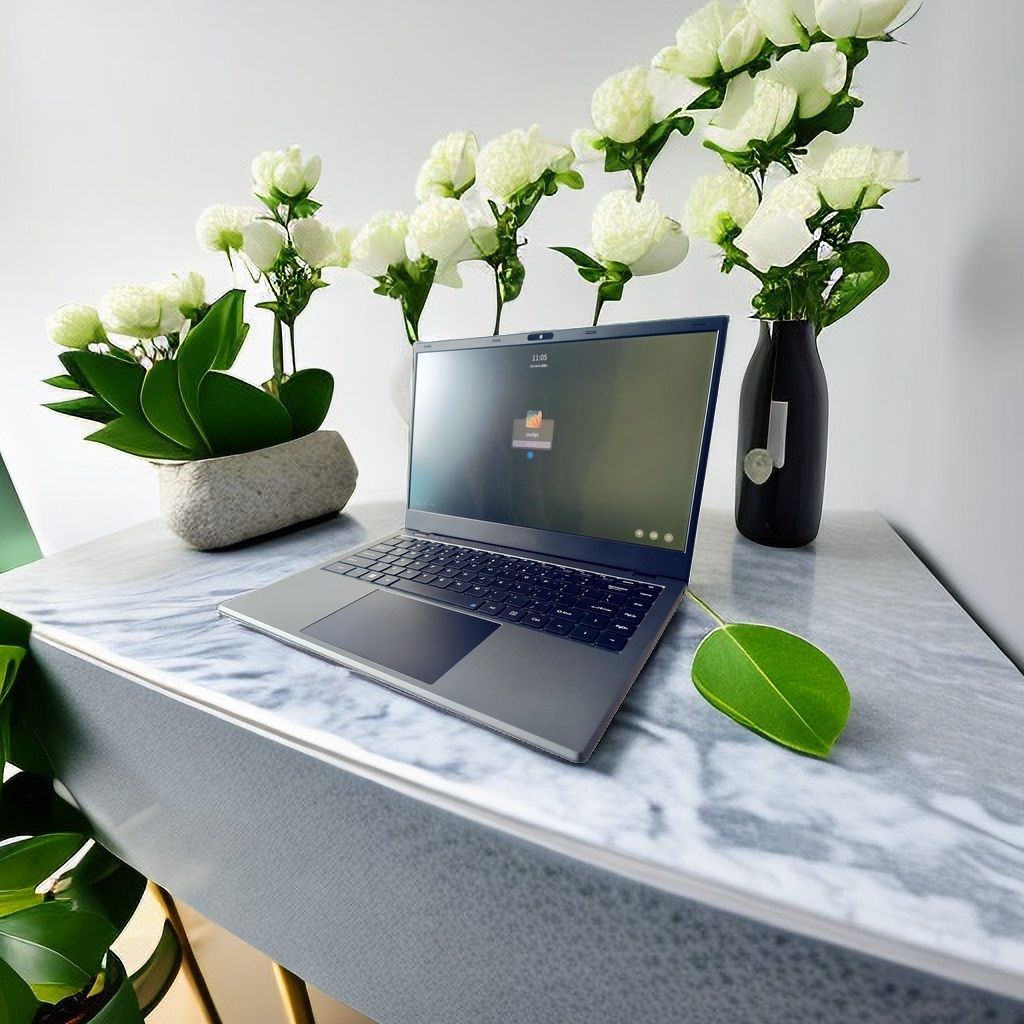
    • RE: merge back to armbian source

      @igorp
      Recently, I have been working hard to push CM5 NOTEBOOK to the ARMBIAN mainline. Further information will be released as soon as possible. Thank you for your support.
      https://www.cool-pi.com/topic/384/cool-pi-arm-notebook-preview
      7cc1adb6-5c84-4674-9d00-cbdaf239f2de-bd7c3f01a866a79f4b8656813819cf71_1691552605175-cool-pc.jpg

      posted in Armbian
      G
      george
    • RE: Firefox deb version freezed when try to play video

      @plumlis
      The kernel version 6.1 will support it and is currently being adapted.

      posted in PI CM5 Laptop
      G
      george
    • 1
    • 2
    • 3
    • 4
    • 2 / 4